Load Testing CI/CD plugin is a Jenkins plugin for running load tests continuously for Websites and APIs provided by LoadFocus.
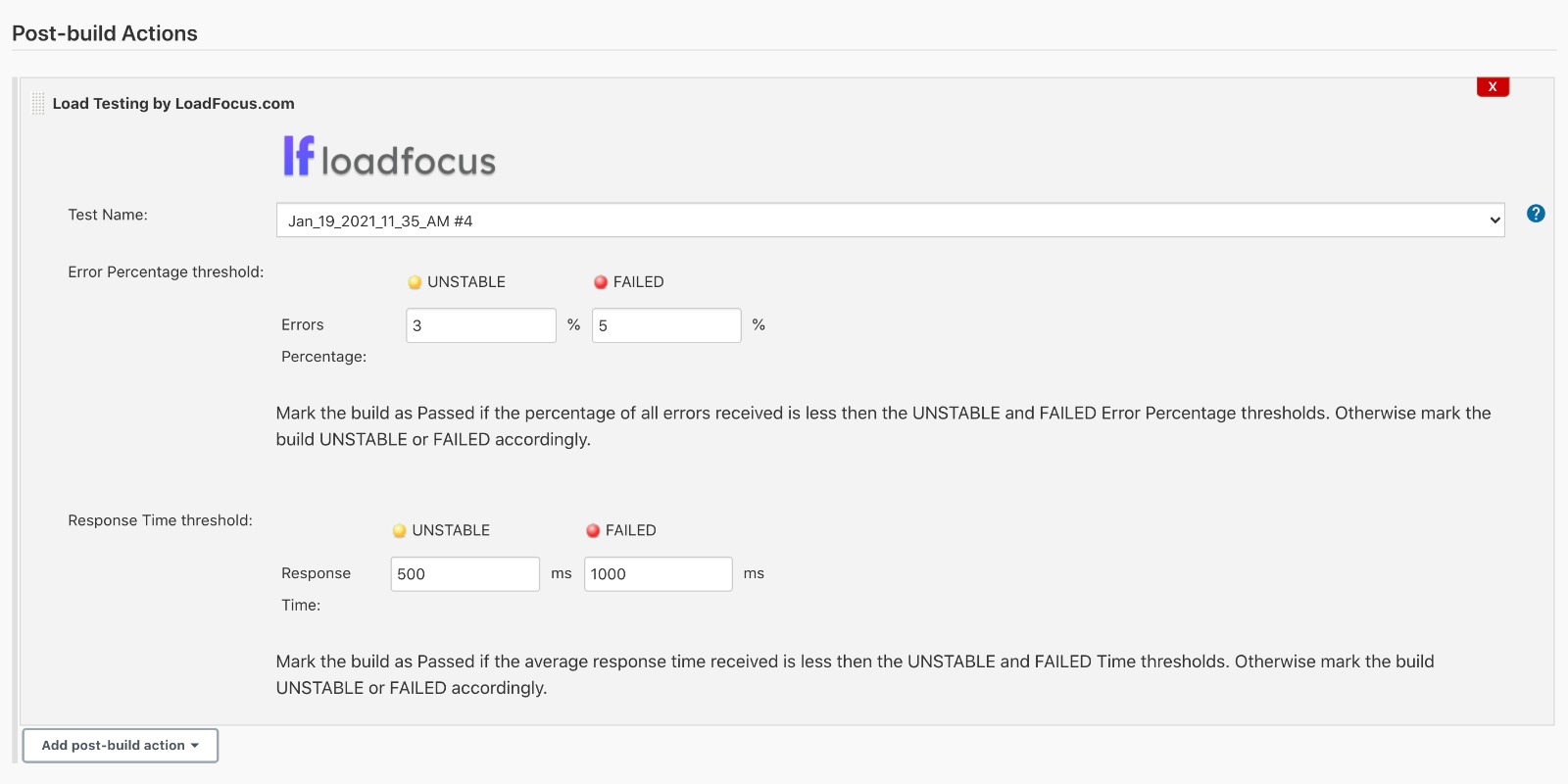
Helps you run load tests as a Post-build Action marking the Build as Passed, Unstable or Failed based on:
- error percentage and response times.
- all URLs from the test are considered when marking the status of the build.
With Load Testing CI/CD plugin you can run load test with thousands of parallel users periodically.
- Create your load testing account on LoadFocus
- Copy your LoadFocus.com API key from https://loadfocus.com/account
- Go to Manage Jenkins > Plugins > Available plugins
- Search for and install Load Testing CI/CD Plugin by LoadFocus
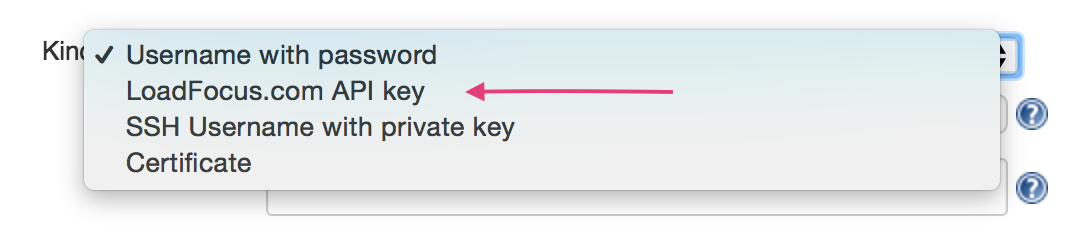
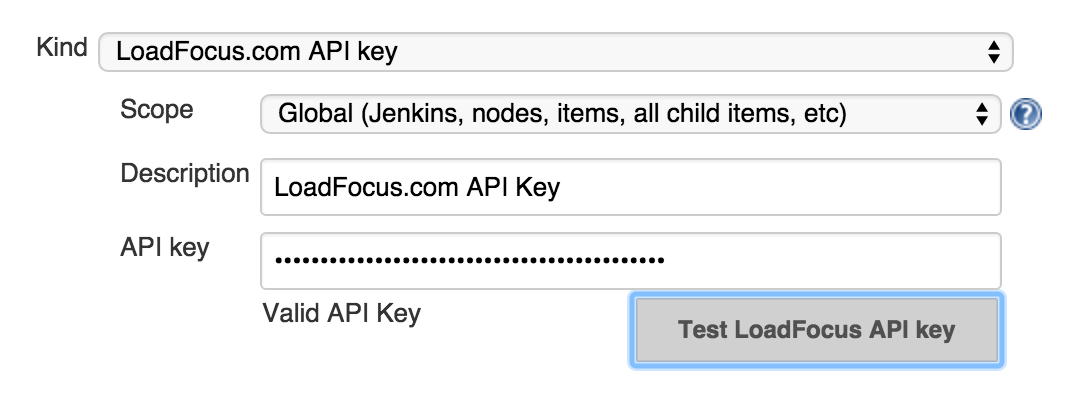
- Go to Manage Jenkins > Credentials and add a credential of kind LoadFocus.com API key
How to use LoadFocus Load Testing Plugin for Post-build load tests:
- Note: All Completed load tests from your LoadFocus account will be available in the plugin.
- Create a New Job or Configure an exiting one.
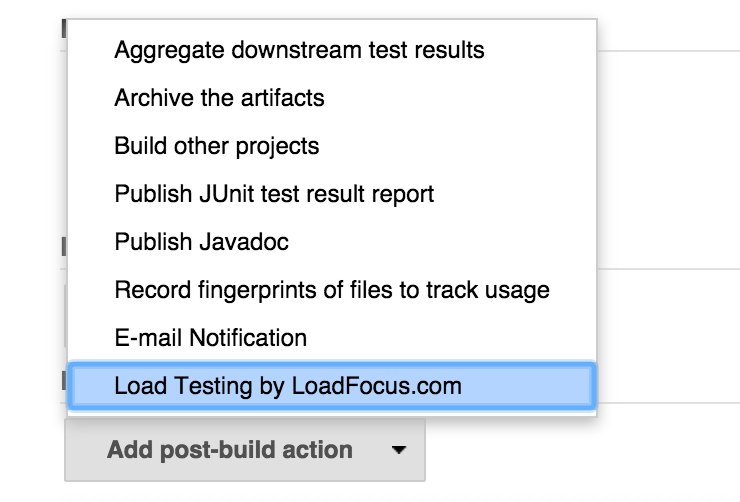
- In the Post-build Section, look for the Load Testing by LoadFocus.com option and select the checkbox. See the screenshot below:
Then click Save.

The step loadfocusLoadTest runs a test, gates the build on it and returns the result. It does not need a node block.
pipeline {
  agent any
  stages {
    stage('Load test') {
      steps {
        script {
          // Thresholds live in the Jenkinsfile: saved to the test on loadfocus.com, then checked after the run
          def lt = loadfocusLoadTest testId: 'checkout', apiKey: 'loadfocus-api-key',
                                     p95Ms: 500, errorRatePct: 1, releaseTag: "${env.GIT_COMMIT?.take(8)}"
          echo "LoadFocus run #${lt.testrunid}: ${lt.verdict}, p95 ${lt.metrics.p95Ms} ms, report ${lt.reportUrl}"
        }
      }
    }
  }
}
The step returns a map: testrunname, testrunid, result (SUCCESS/UNSTABLE), verdict (pass/fail/none), reportUrl and metrics (p95Ms, p99Ms, errorRatePct, rps, plus meanMs when per-request thresholds are used).
All options:
| Option | Default | Meaning |
|---|---|---|
testId |
(required) | Name of the LoadFocus cloud load test |
apiKey |
the default key | ID of a LoadFocus.com API key credential or of a standard Secret text credential holding the key |
p95Ms, p99Ms, errorRatePct, minRps |
not set | Pass/fail thresholds for the whole run. When any is set, they replace the test's thresholds on loadfocus.com before the run (unset ones are cleared) and the verdict is checked |
useVerdict |
false |
Check the LoadFocus verdict against the thresholds configured for the test on loadfocus.com. No thresholds enabled marks the build UNSTABLE; a threshold that could not be evaluated fails it |
errorUnstableThreshold, errorFailedThreshold |
not set | Per-request error percentage (0-100) above which the build is UNSTABLE / FAILURE |
responseTimeUnstableThreshold, responseTimeFailedThreshold |
not set | Per-request average response time in ms above which the build is UNSTABLE / FAILURE |
tagRun |
true |
Label the LoadFocus run with this build (shown on its results and trend pages) |
releaseTag |
Jenkins <job> #<build> |
Custom label for the run, e.g. a version or commit (max 64 characters) |
timeoutMinutes |
120 |
Fail if the run has not finished in time |
shareReport |
false |
Create a public share link for the run (anyone with the link can view it) |
At least one threshold or useVerdict must be set.
How the step ends:
- FAILURE (a failed threshold or verdict, a run that fails, a timeout, or a test that cannot be started) fails the step, so later stages do not run. Wrap it in
catchErrorto continue anyway. - UNSTABLE marks the build and the stage, and the pipeline continues.
- The step never reports on an older run. If another build starts the same test at the same moment, it fails rather than guess which run is its own.
- Short LoadFocus API outages (for example during a LoadFocus deploy) are retried for about 5 minutes.
- Aborting the Jenkins build does not stop the cloud run; the log prints its link.
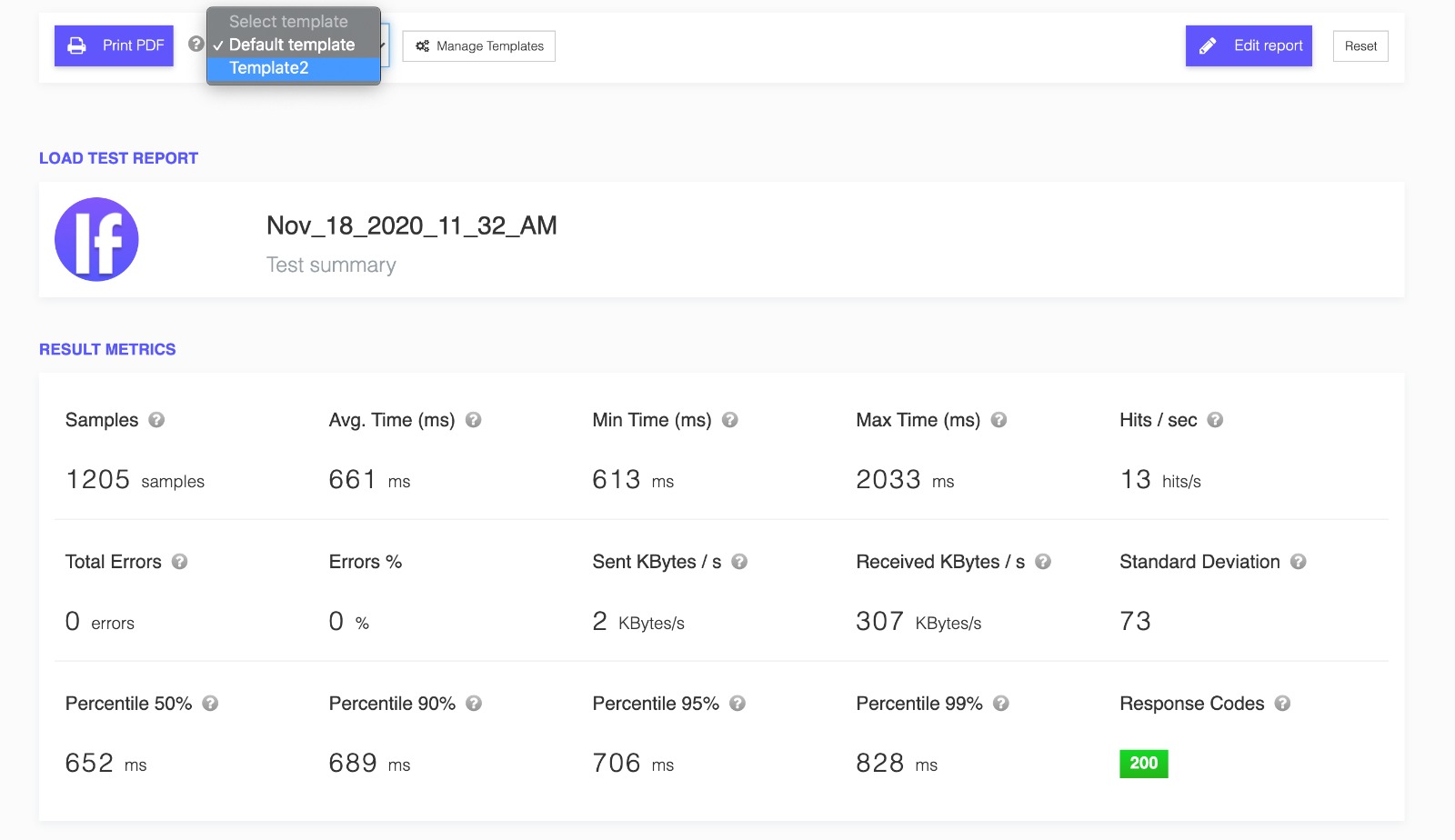
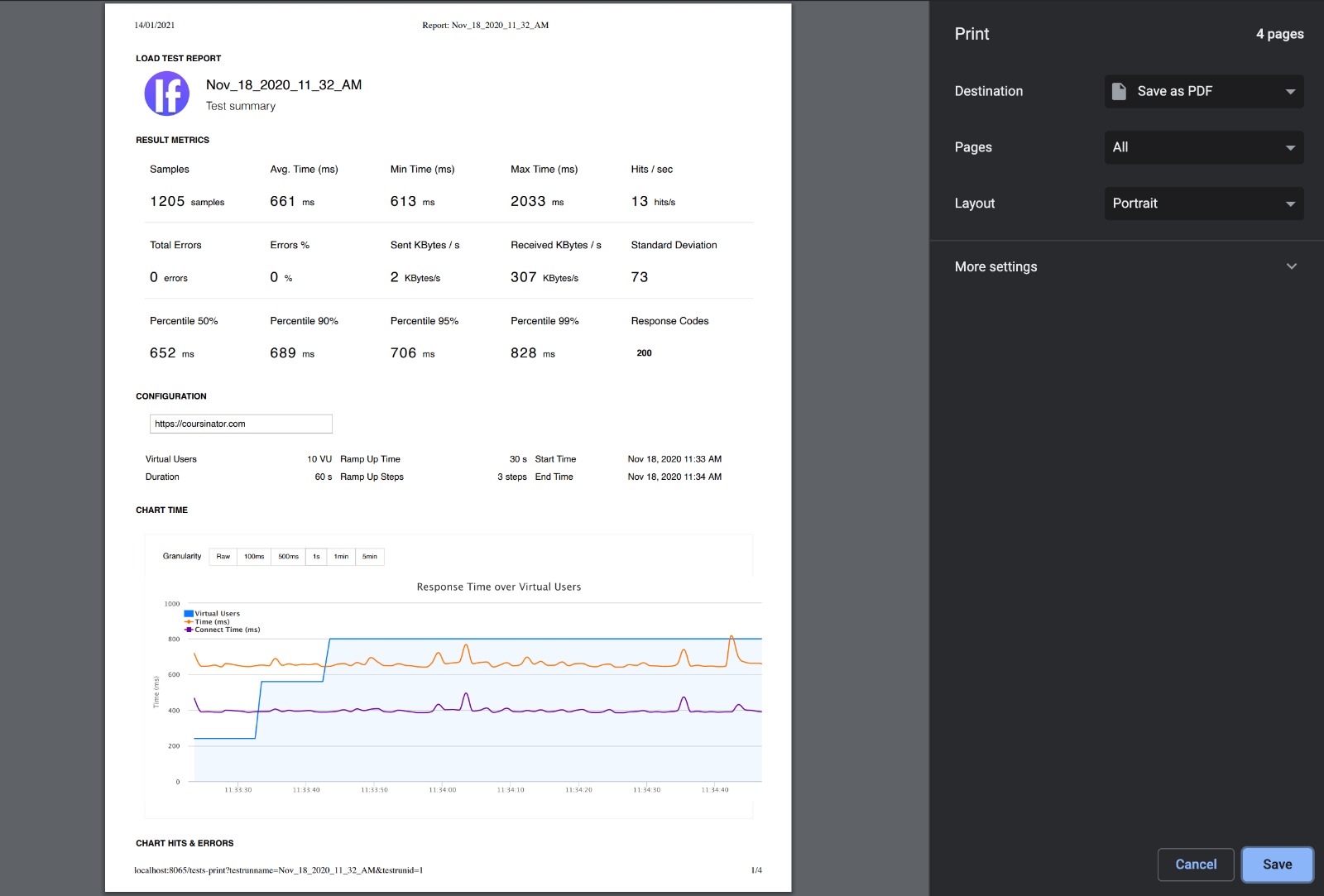
- View the load test report